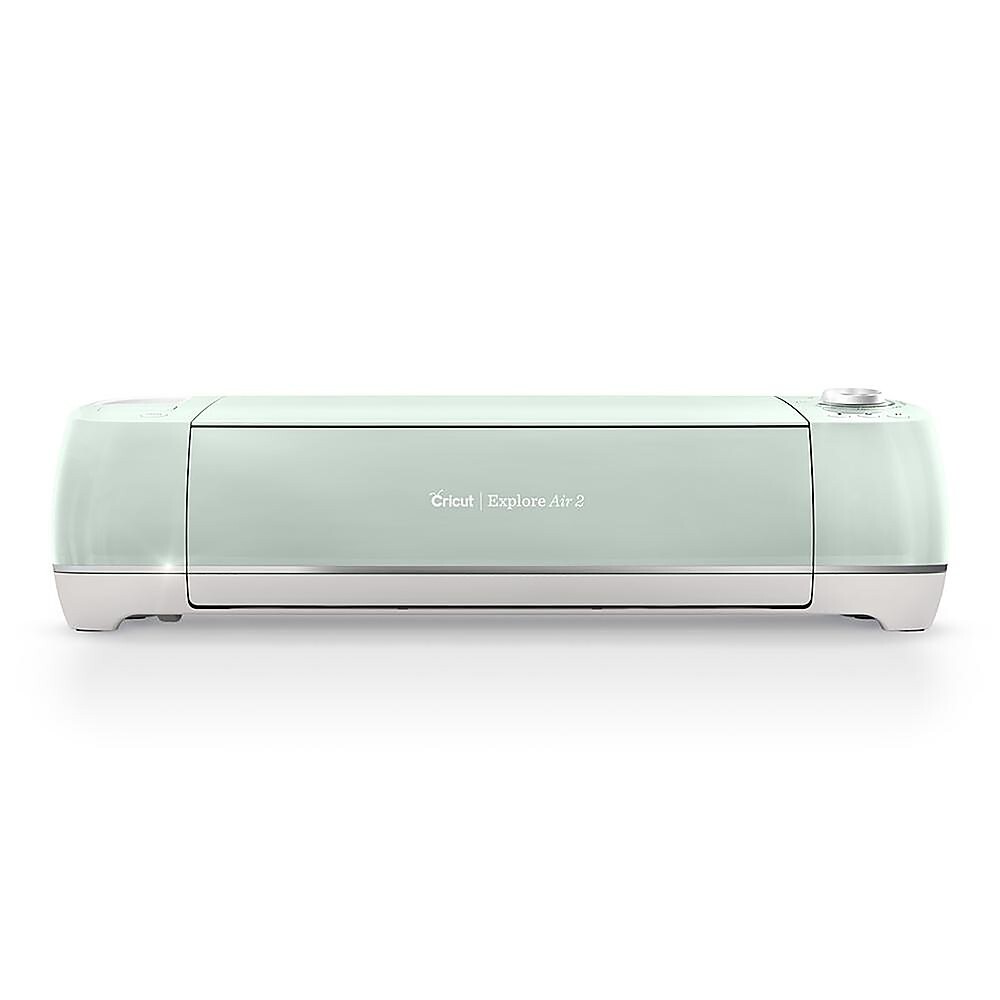

Photos from current listings. Actual item, color, and included accessories may vary.
Cricut Explore Air 2 Buying Guide
The Explore Air 2 is Cricut's mid-tier smart cutting machine, and shoppers usually choose it to handle vinyl, iron-on, and cardstock without stepping up to the Maker's fabric and wood capabilities. Buying decisions hinge on Bluetooth-only wireless connectivity, the 12-inch cutting width that fits standard mat sizes, and whether the bundled toolset matches your materials. Most first-time mistakes are buying without the right blade or mat for the material and expecting deep-cut or rotary-tool functions the Air 2 does not support.
Median $157.83
Key takeaways
- Cuts up to 12 inches wide and accepts 12x12-inch mats and 12-inch Smart Materials, the most common craft-cutting format.
- Uses Cricut's fine-point blade for vinyl, iron-on, and cardstock; deep-point and bonded-fabric blades are separate purchases.
- Bluetooth wireless plus USB cable connection; no onboard storage, so projects run from Design Space on a computer or mobile device.
At a glance
- Category
- Craft Cutting, Embroidery & Heat Press Machines
- Status
- Listings available
- Last updated
- Nov 29, 2026
Current offers
Highlights
- Cuts up to 12 inches wide and accepts 12x12-inch mats and 12-inch Smart Materials, the most common craft-cutting format.
- Uses Cricut's fine-point blade for vinyl, iron-on, and cardstock; deep-point and bonded-fabric blades are separate purchases.
- Bluetooth wireless plus USB cable connection; no onboard storage, so projects run from Design Space on a computer or mobile device.
- Dual tool holder accepts a blade and a pen or scoring stylus simultaneously for draw-then-cut and score-then-cut workflows.
Best use cases
- Best fit: home crafters making vinyl decals, HTV shirts, and greeting cards who want Bluetooth wireless and 12-inch mats without Maker-level tools.
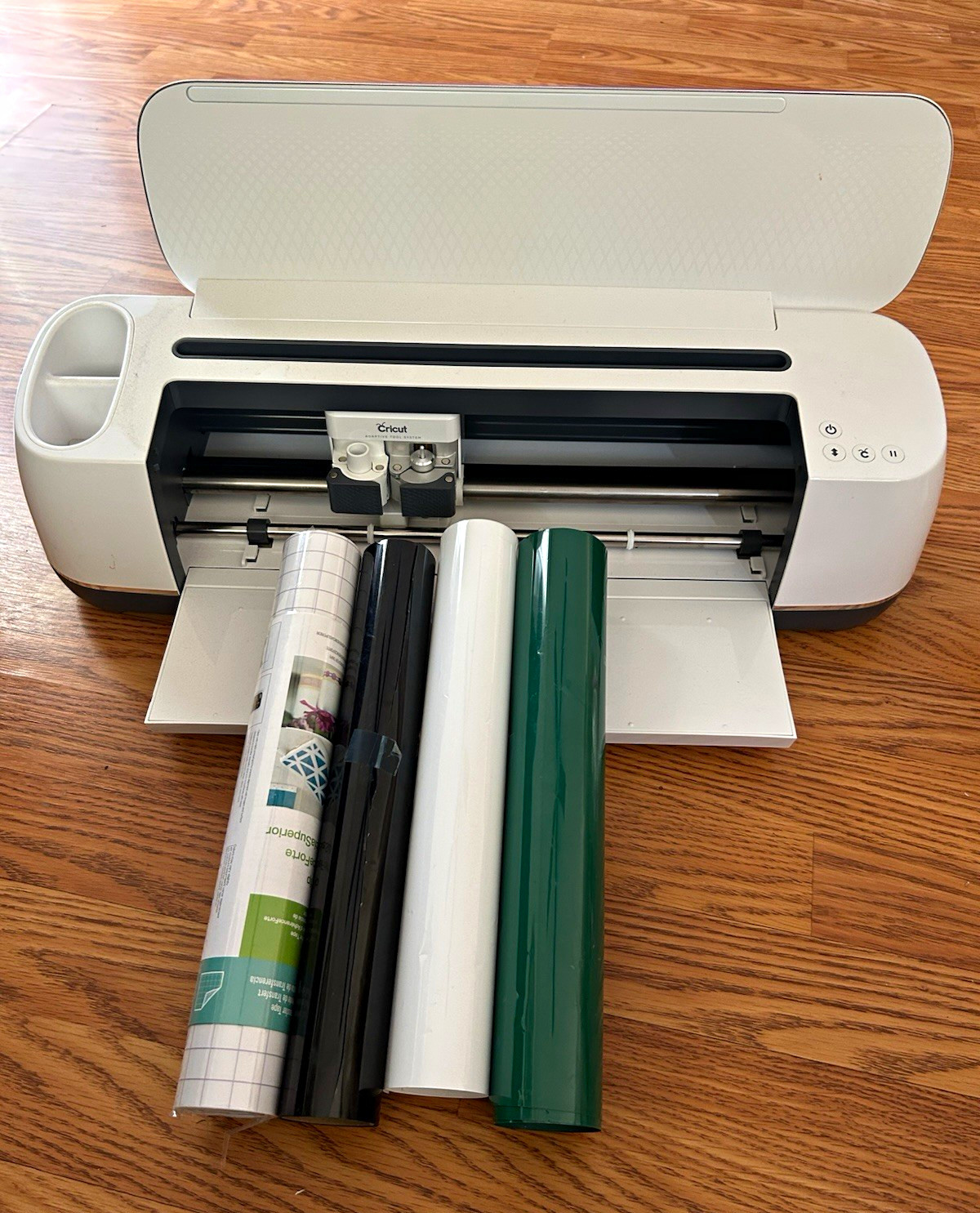
- Choose a Cricut Maker instead if you need to cut balsa wood, leather, or fabric with a rotary blade; the Air 2 does not accept those tools.
- Skip if you need standalone operation or SD-card cutting; the Air 2 requires a Bluetooth or USB connection to Design Space at all times.
Buying tips
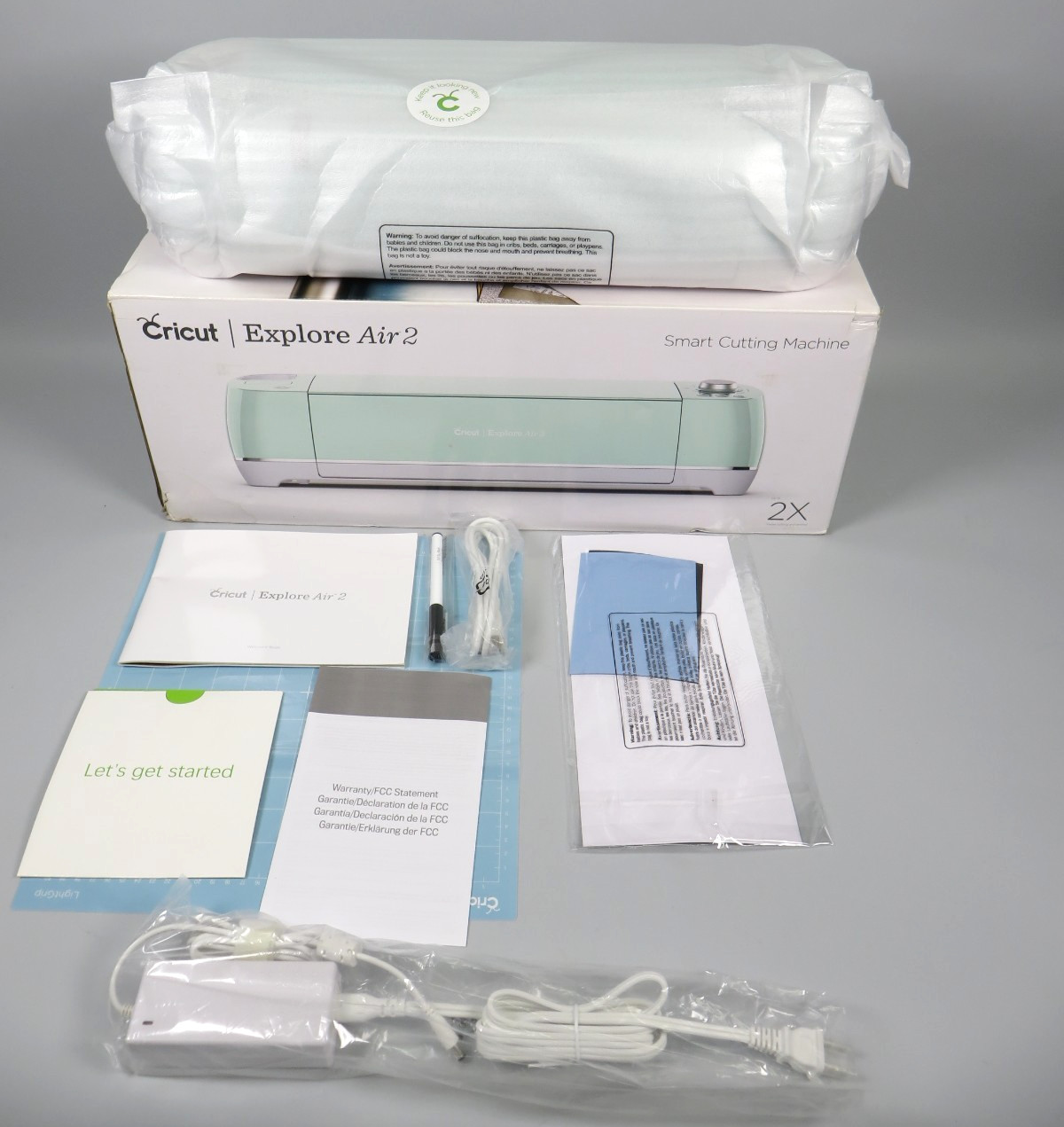
- Check that the bundle includes a fine-point blade, a 12x12 standard-grip mat, and a weeding tool; bare machines often ship without them.
- Prioritize the deep-point blade and purple strong-grip mat if you plan to cut thicker cardstock or bonded fabric.
- Avoid assuming the Air 2 supports Knife Blade, Rotary Blade, or Scoring Wheels; those require the Cricut Maker series.
- Compare Explore Air 2 versus Explore 3: the Air 3 adds faster cutting and Smart Materials support without a mat, while the Air 2 needs a mat for most materials.
Specs
| Cutting Width | Up to 12 in (mat-based) |
|---|---|
| Connectivity | Bluetooth wireless + USB cable |
| Tool Compatibility | Fine-point, deep-point, bonded-fabric |
| Material Range | Vinyl, iron-on, cardstock, bonded fabric |
Alternatives to compare
Related searches
What to check before buying
- Confirm you have a Bluetooth-enabled computer or mobile device with the Cricut Design Space app installed before first use.
- Measure your work surface for at least 24 inches of width to accommodate the machine plus a 12-inch mat passing through.
- Check that your materials match the fine-point blade's capability: vinyl, iron-on, cardstock, and light chipboard.
- Verify the machine includes a power adapter and USB cable; replacement power adapters are model-specific.
FAQ
Data sources: eBay / Amazon listings and product attribute feeds. Updated Nov 29, 2026.
Some links on this page are affiliate links. If you buy after clicking one, we may earn a commission at no extra cost to you. This does not change which products appear here or their order. Affiliate disclosure.