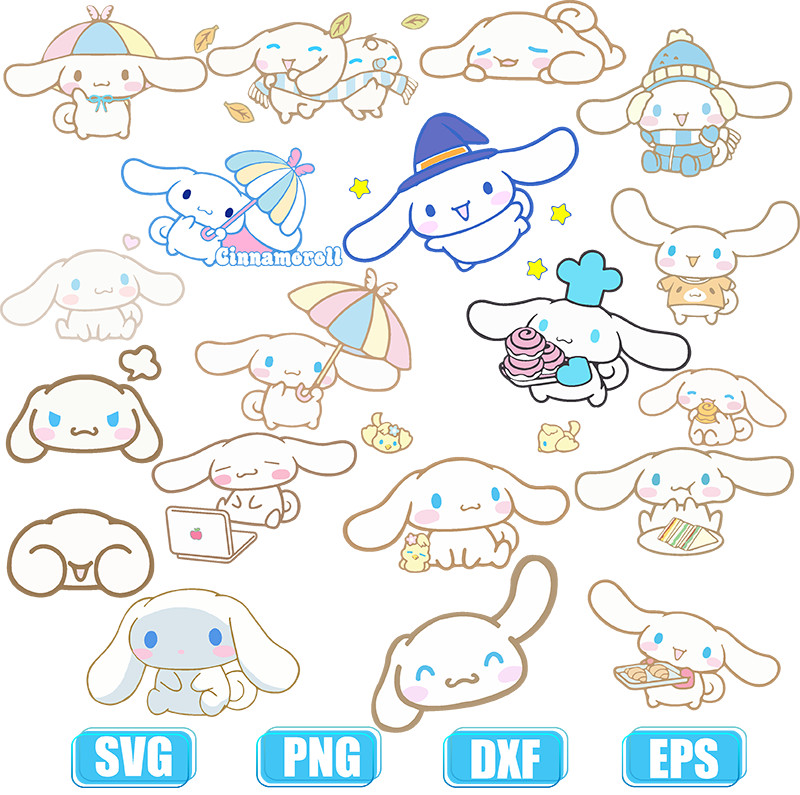

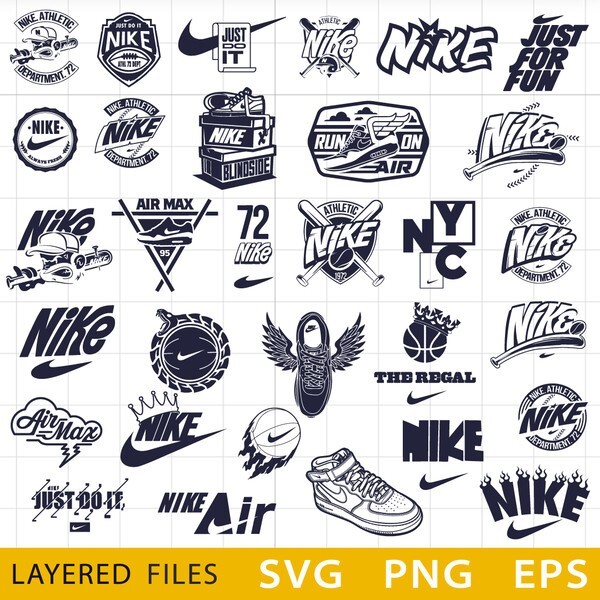
Photos from current listings. Actual item, color, and included accessories may vary.
Cricut Svg File Buying Guide
Shopping for Cricut SVG files means buying a design file, not a physical product, so the real decisions are file format compatibility, software tier, and licensing. Most buyers get burned by SVG files that lack a matching cut path, open with missing fonts, or carry a personal-use-only license when they need to sell finished items. Focus on vector structure, layer count, and commercial rights rather than the design preview.
Median $7.50
Key takeaways
- A true Cricut SVG is a vector file with clean paths and no embedded raster background; Design Space imports it as cut-ready layers without tracing.
- Bundles typically include SVG for Cricut, DXF for Silhouette Basic, EPS for Illustrator, and PNG for sublimation or print-then-cut workflows.
- Personal-use licenses limit you to gifts and household items, while commercial licenses let you sell finished physical products but never resell the file itself.
At a glance
- Category
- Craft Cutting, Embroidery & Heat Press Machines
- Last updated
- Nov 28, 2026
Current offers
Highlights
- A true Cricut SVG is a vector file with clean paths and no embedded raster background; Design Space imports it as cut-ready layers without tracing.
- Bundles typically include SVG for Cricut, DXF for Silhouette Basic, EPS for Illustrator, and PNG for sublimation or print-then-cut workflows.
- Personal-use licenses limit you to gifts and household items, while commercial licenses let you sell finished physical products but never resell the file itself.
- Complex designs with scores of tiny paths slow Design Space on older machines and may fail to cut cleanly on fine-cardstock or vinyl below 1 mm detail.
Best use cases
- Buy the multi-format bundle (SVG, DXF, EPS, PNG) if you own both a Cricut and a Silhouette or use Illustrator; skipping DXF locks out Silhouette Basic Edition users.
- Choose a commercial-license SVG if you sell shirts, tumblers, or decals at markets; personal-use files cannot legally back a product you sell.
- Skip hyper-detailed character or logo remakes if you only cut adhesive vinyl; simplified, layered SVGs weed and transfer far cleaner than traced artwork with hundreds of nodes.
Buying tips
- Confirm the file is a genuine vector SVG with editable paths, not a PNG renamed with an .svg extension, which imports as a single non-cuttable image.
- Check the license tier before checkout: personal-use covers gifts only, while commercial use permits selling finished physical products.
- Avoid designs requiring licensed fonts you do not own; outline or text-as-paths files import without missing-font substitutions in Design Space.
- Prefer layered SVG files for multi-color vinyl projects, since each color arrives on its own layer and aligns without manual tracing.
Specs
| File Formats | SVG, DXF, EPS, PNG bundle |
|---|---|
| Cut Compatibility | Cricut Design Space, Silhouette |
| License Tier | Personal-use vs commercial-use |
| Layer Structure | Layered multi-color vs single flat |
Related searches
What to check before buying
- Verify your machine and software: Cricut Design Space accepts SVG, DXF, PNG, and JPG; Silhouette Basic Edition needs DXF rather than SVG.
- Confirm the file includes separate layers for each color if you plan weeding multi-color vinyl or HTV projects.
- Check the license terms in the listing for commercial resale rights if you sell finished crafts.
- Test-import the SVG into Design Space before a large production run to confirm paths are clean and properly sized.
FAQ
Data sources: eBay / Amazon listings and product attribute feeds. Updated Nov 28, 2026.
Some links on this page are affiliate links. If you buy after clicking one, we may earn a commission at no extra cost to you. This does not change which products appear here or their order. Affiliate disclosure.