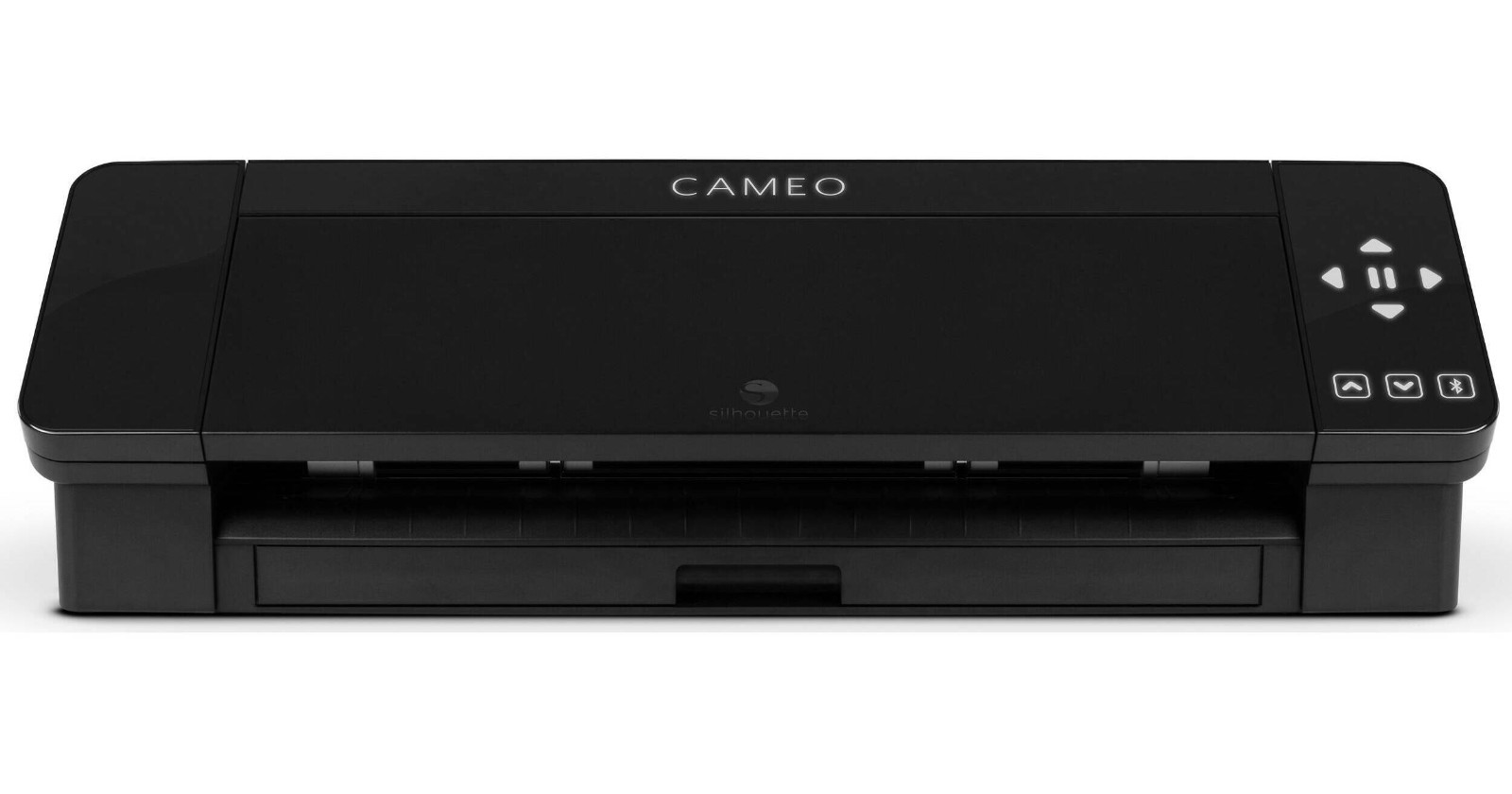

Photos from current listings. Actual item, color, and included accessories may vary.
Silhouette Cameo 4 Buying Guide
The Silhouette Cameo 4 is a desktop die-cutting machine that handles vinyl, heat-transfer material, cardstock, and fabric via a blade or optional tools. Buyers must choose between the 12-inch Classic and 15-inch Plus, then confirm blade type, mat size, and software before purchase. Most mistakes come from assuming the Plus is only wider, when it also changes roller and tool compatibility.
Key takeaways
- Cameo 4 Classic cuts 12-inch-wide media; Cameo 4 Plus cuts 15-inch-wide media, with a wider roller bar and larger mat footprint.
- Both models use the same AutoBlade and tool housing, but the Plus accepts the 15-inch cutting mat while Classic uses 12-inch mats.
- Cameo 4 adds a built-in roll feeder for vinyl rolls and a dual-carriage tool holder for blade plus pen or scoring tool.
At a glance
- Category
- Craft Cutting, Embroidery & Heat Press Machines
- Last updated
- Nov 29, 2026
Current offers
Highlights
- Cameo 4 Classic cuts 12-inch-wide media; Cameo 4 Plus cuts 15-inch-wide media, with a wider roller bar and larger mat footprint.
- Both models use the same AutoBlade and tool housing, but the Plus accepts the 15-inch cutting mat while Classic uses 12-inch mats.
- Cameo 4 adds a built-in roll feeder for vinyl rolls and a dual-carriage tool holder for blade plus pen or scoring tool.
- Bluetooth and USB connectivity are standard; Silhouette Studio software is required for design and cut jobs on both tiers.
Best use cases
- Choose the Classic 12-inch if your projects stay within standard 12x12 cardstock, 12-inch vinyl rolls, and home craft room space.
- Choose the Plus 15-inch if you cut wide heat-transfer vinyl for apparel, large decals, or 15-inch roll media without tiling seams.
- Skip the Cameo 4 entirely if you only cut thin paper or need a laser cutter; it is a blade-based cutter, not an engraver or laser.
Buying tips
- Check the mat and blade included in the listing: some bundles ship with a new mat and AutoBlade, others are machine-only.
- Prioritize the Plus only if you regularly use 15-inch rolls or 15x15 mats; otherwise the Classic saves bench space and accessory cost.
- Inspect the roller bar and tool carriage for wear on used units, since vinyl dust and blade drag are the main durability failure points.
- Confirm the power adapter and USB cable are included, as the Cameo 4 does not ship with a standard printer-style cable in every listing.
Specs
| Cutting Width | 12 in (Classic) / 15 in (Plus) |
|---|---|
| Blade System | AutoBlade (both models) |
| Connectivity | USB + Bluetooth |
| Media Feed | Built-in roll feeder |
Related searches
What to check before buying
- Measure your desk or shelf: Classic needs roughly 12 inches of media width plus side clearance; Plus needs 15 inches plus clearance.
- Verify your computer has a USB-A port or Bluetooth and can run Silhouette Studio (Windows or macOS).
- Check your regional plug type and voltage; Cameo 4 power adapters are region-specific.
- Confirm you have a cutting mat in the correct size (12x12 for Classic, 15x15 for Plus) and a spare AutoBlade before first use.
FAQ
Data sources: eBay / Amazon listings and product attribute feeds. Updated Nov 29, 2026.
Some links on this page are affiliate links. If you buy after clicking one, we may earn a commission at no extra cost to you. This does not change which products appear here or their order. Affiliate disclosure.