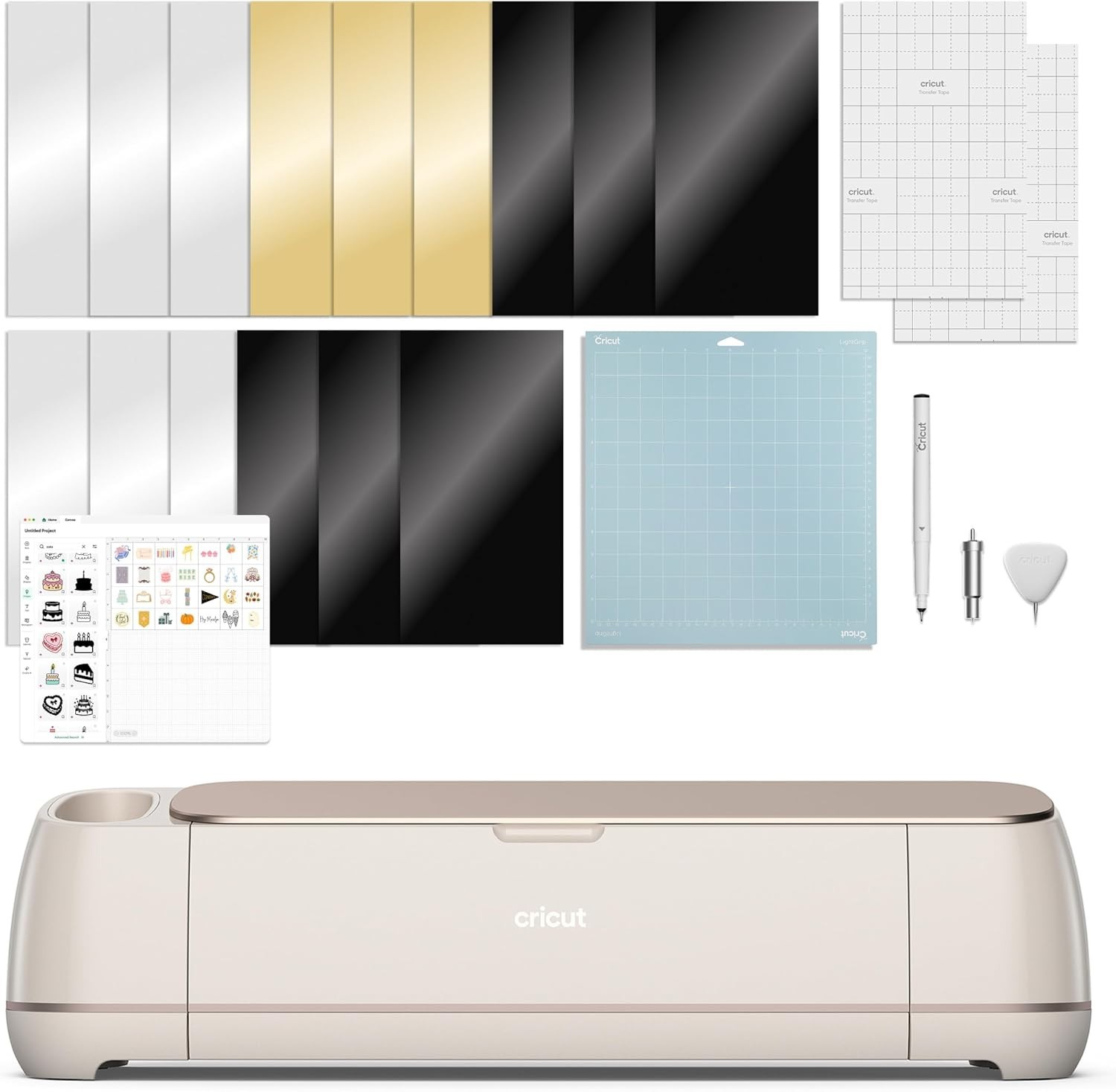

Photos from current listings. Actual item, color, and included accessories may vary.
Smart Cutting Machine Buying Guide
Smart cutting machines are computer-guided die cutters that cut, score, and draw on vinyl, cardstock, fabric, and leather via blade or knife assemblies driven by design software. The defining trade-off is cutting force plus tool ecosystem versus bed width and material rigidity: entry machines handle thin media, while high-force models cut thicker materials and emboss or mill. The decision rule is simple: buy the highest cutting force and widest bed you can house, then match the blade/tool set to the materials you will actually cut.
Key takeaways
- Cutting force separates tiers: entry units cut thin vinyl and paper, mid-tier raises force for bonded fabric and cardstock, flagship units reach roughly 4 kg of force for leather, balsa, and chipboard.
- Bed width determines project scale: compact units take material up to about 12 inches wide, standard machines take 12-inch mats, and wide-format units accept 24-inch material for banners and large decals.
- Tool architecture varies: blade housings swap for scoring, deep-cut, rotary, and perforation tools, while some flagship models add a rotary blade and knife blade for fabric and thick stock.
At a glance
- Category
- Craft Cutting, Embroidery & Heat Press Machines
- Last updated
- Nov 29, 2026
Current offers
Highlights
- Cutting force separates tiers: entry units cut thin vinyl and paper, mid-tier raises force for bonded fabric and cardstock, flagship units reach roughly 4 kg of force for leather, balsa, and chipboard.
- Bed width determines project scale: compact units take material up to about 12 inches wide, standard machines take 12-inch mats, and wide-format units accept 24-inch material for banners and large decals.
- Tool architecture varies: blade housings swap for scoring, deep-cut, rotary, and perforation tools, while some flagship models add a rotary blade and knife blade for fabric and thick stock.
- Connectivity and software matter: Bluetooth plus cloud design apps dominate, but offline saved-project support and USB transfer separate reliable production machines from app-only units.
Best use cases
- Best fit for compact apartment crafters: a 12-inch-wide compact machine with fine-point blade for vinyl decals, labels, and cardstock; skip wide-format units that need a dedicated table.
- Best fit for small-business vinyl and apparel: a standard 12-inch machine with deep-cut blade and fabric tools; skip entry models that stall on bonded fabric and thick HTV.
- Best fit for mixed-media and thick-material work: a high-force flagship with knife and rotary blades for leather, balsa, and chipboard; skip compact units that cannot reach the required force.
- Wrong fit for production-volume shops: any single-blade consumer cutter without a feed system; those buyers need a wide-format or commercial plotter with roll feeding.
Buying tips
- Match bed width to your largest repeat project: 12-inch mats cover most decals and apparel, while 24-inch material is required for banners and full-width backgrounds.
- Check cutting force in grams or kilograms; below roughly 1 kg handles vinyl and paper, while 3-4 kg is needed for leather, balsa, and thick chipboard.
- Confirm blade and tool compatibility before buying: deep-cut, rotary, and knife blades are model-specific, and third-party blades often need an adapter housing.
- Prefer machines with both Bluetooth and USB transfer so you can cut saved projects without a live cloud connection during outages.
Specs
| Cutting Force | Entry <1 kg; flagship ~4 kg |
|---|---|
| Max Material Width | 12 in standard; 24 in wide-format |
| Tool Ecosystem | Fine-point, deep-cut, rotary, knife |
| Connectivity | Bluetooth + USB transfer |
Related searches
What to check before buying
- Measure your work surface: standard machines need about 24 inches of depth for the mat to pass through, and wide-format units need 30 inches or more.
- Confirm your computer or phone meets the app requirements, including Bluetooth version and available USB port for wired transfer.
- Check material thickness against the machine's maximum cut depth; thick leather and chipboard exceed the capability of entry-level blades.
- Verify the machine ships with the mats and blade housings you need; many bundles list the machine alone, and mats are consumables you will replace.
FAQ
Data sources: eBay / Amazon listings and product attribute feeds. Updated Nov 29, 2026.
Some links on this page are affiliate links. If you buy after clicking one, we may earn a commission at no extra cost to you. This does not change which products appear here or their order. Affiliate disclosure.