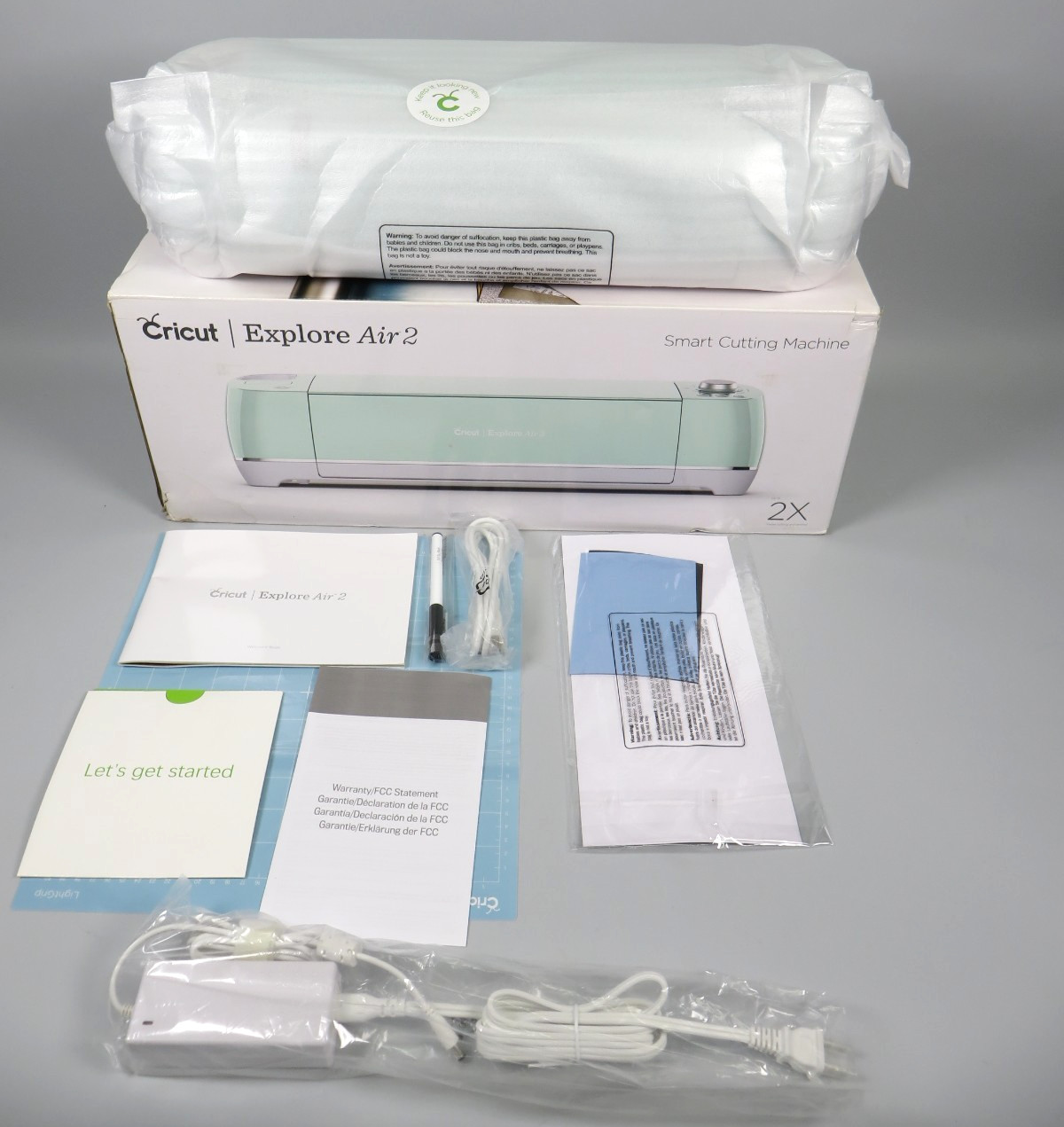

Photos from current listings. Actual item, color, and included accessories may vary.
Vinyl Cricut Buying Guide
Vinyl Cricut refers to Cricut die-cutting machines paired with adhesive vinyl for home crafting. The core trade-off is motor and blade architecture: entry Explore models handle standard vinyl but stall on thick or dense materials, while Maker-class machines use a stronger motor and adaptive tool system for heavier stock. Choose an Explore-class machine only for flat adhesive vinyl and cardstock; step up to Maker for fabric, leather, and deep-cut work.
Key takeaways
- Explore Air 2 uses a single-carriage clamp for blade and pen; Maker adds a second clamp and adaptive tool system for rotary, knife, and scoring blades.
- Explore series cutting force is rated for light-to-mid materials (adhesive vinyl, iron-on, cardstock); Maker roughly doubles downforce for leather, balsa, and fabric.
- Cricut vinyl comes in permanent (outdoor, car decals), removable (walls, temporary), and iron-on (HTV) formulations; thickness and adhesive grade dictate blade and mat choice.
At a glance
- Category
- Craft Cutting, Embroidery & Heat Press Machines
- Last updated
- Nov 28, 2026
Current offers
Highlights
- Explore Air 2 uses a single-carriage clamp for blade and pen; Maker adds a second clamp and adaptive tool system for rotary, knife, and scoring blades.
- Explore series cutting force is rated for light-to-mid materials (adhesive vinyl, iron-on, cardstock); Maker roughly doubles downforce for leather, balsa, and fabric.
- Cricut vinyl comes in permanent (outdoor, car decals), removable (walls, temporary), and iron-on (HTV) formulations; thickness and adhesive grade dictate blade and mat choice.
- Standard grip mats suit cardstock and vinyl; light-grip mats protect delicate vinyl and paper, while strong-grip mats are required for fabric and thick specialty stock.
Best use cases
- Best fit: Explore Air 2 or Explore 3 for flat adhesive vinyl decals, cup wraps, and cardstock — skip Maker unless you cut fabric, leather, or balsa regularly.
- Best fit: Maker or Maker 3 for mixed-material crafters cutting leather, felt, fabric, and thick vinyl in one session — the adaptive tool system and higher downforce justify the tier.
- Wrong fit: buying a Maker solely for standard permanent vinyl — an Explore-class machine cuts the same vinyl at lower cost with the same fine-point blade.
- Wrong fit: using a Cricut Joy for full-sheet 12-inch vinyl projects — Joy is limited to narrow smart-material formats and small cuts.
Buying tips
- Match blade to vinyl: fine-point blade for standard adhesive vinyl and iron-on; deep-point blade for thick specialty vinyl and craft foam.
- Use permanent vinyl for outdoor and car decals; removable vinyl for walls and temporary décor; iron-on (HTV) for fabric — adhesive type is not interchangeable.
- Confirm mat grip: standard-grip for vinyl and cardstock, light-grip for delicate paper and thin vinyl, strong-grip for fabric and thick stock.
- Machine generation matters: Explore 3 and Maker 3 accept Smart Materials for mat-free cutting; older Explore Air 2 and Maker require a mat for every cut.
Specs
| Machine Class | Explore (entry) vs Maker (adaptive tools) |
|---|---|
| Cutting Force | Explore: light-mid / Maker: high downforce |
| Mat Requirement | Mat required vs Smart Materials mat-free |
| Vinyl Compatibility | Adhesive, iron-on, specialty thickness |
Related searches
What to check before buying
- Measure your workspace: Cricut Maker needs roughly 24 inches of depth clearance for the feed path; Explore models need similar rear clearance for mat travel.
- Confirm your vinyl format: 12-inch-wide sheets or rolls fit all full-size Cricut machines; Joy requires narrow smart-material sizes.
- Check computer/phone compatibility: Cricut Design Space is required for all machines and needs a stable internet connection for setup and most cutting.
- Verify power: Cricut machines ship with region-specific power adapters — confirm the plug type and voltage match your outlet standard.
FAQ
Data sources: eBay / Amazon listings and product attribute feeds. Updated Nov 28, 2026.
Some links on this page are affiliate links. If you buy after clicking one, we may earn a commission at no extra cost to you. This does not change which products appear here or their order. Affiliate disclosure.